Most login issues happen when you use a different email or login method than the one you subscribed with. The steps below will help you find the right one. If you're still having trouble logging in, our team is here to help you regain access.
1Find the email linked to your account
Search your email inboxes for “SuperSummary” to find our welcome email (“Thanks for subscribing”) or a payment receipt. The email address it was sent to is likely linked to your account. Make sure to enter it exactly as shown.
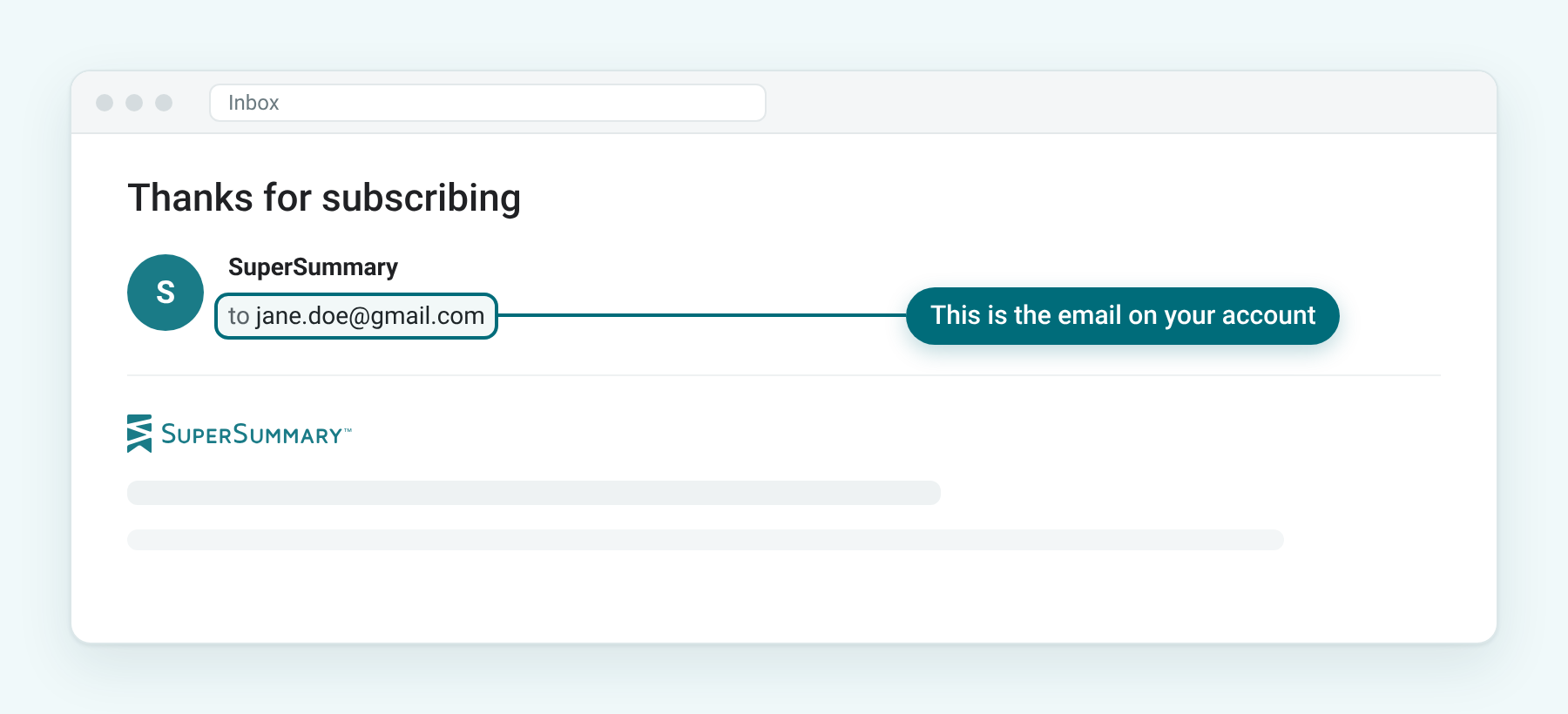
Can’t find the email, or no longer have access to it? Contact us. We can locate your account even if you don’t remember which email you used.
2Log in with the same method
There are three ways to log in: email and password, Google, or Apple. Please make sure to use the same login method and account you originally used to sign up.
On the Log In page, the Last used label shows the method you used most recently on that device:
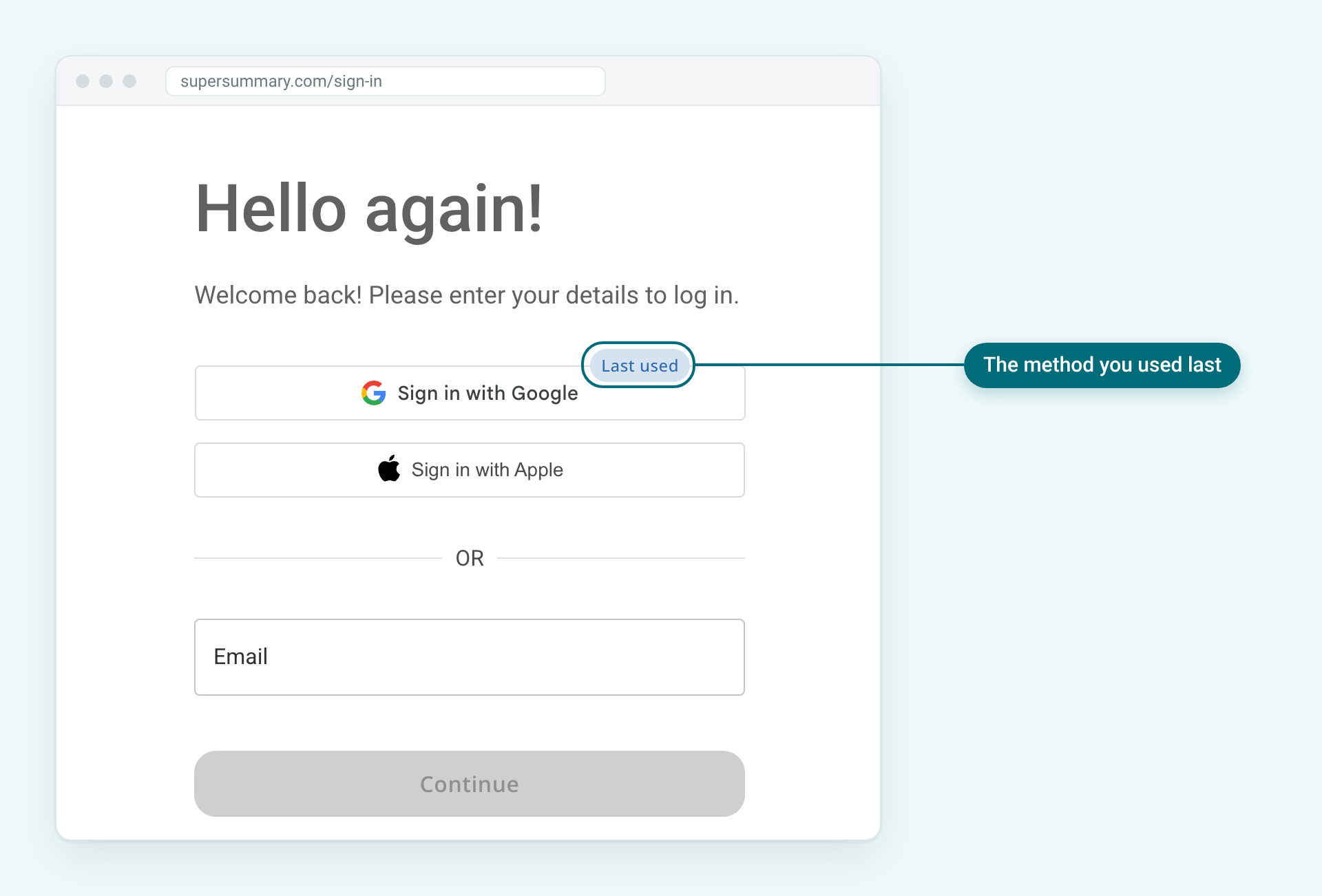
- If the address from Step 1 ends in @privaterelay.appleid.com, use Sign in with Apple.
- If Google logs you in with the wrong account, log out and close the Google prompt. Then select Log In, choose Sign in with Google, and pick the account linked to your subscription.
Can’t use your original method? Contact us, and we’ll help you switch to another login method.
3Reset your password
If you log in with email and password, reset your password using the email from Step 1. For step-by-step help, see What do I do if I forgot my password?
Still having trouble logging in?
If the issue continues, contact us and include:
- Any email addresses or names you may have used
- What happens when you try to log in
- A screenshot of any error message, if available
Was this article helpful?
That’s Great!
Thank you for your feedback
Sorry! We couldn't be helpful
Thank you for your feedback
Feedback sent
We appreciate your effort and will try to fix the article